Skip to content
  • HappyMoose
  • HappyMoose
  • Facebook
  • Facebook
  • Instagram
  • Instagram
  • Pinterest
  • Pinterest

HappyMoose Blog

  • How To
  • How To
  • Product Features
  • Product Features
  • Photography & Art
  • Photography & Art
  • For Pros
  • SHOP NOW
  • For Pros
  • SHOP NOW

Author: HappyMoose

Product Features

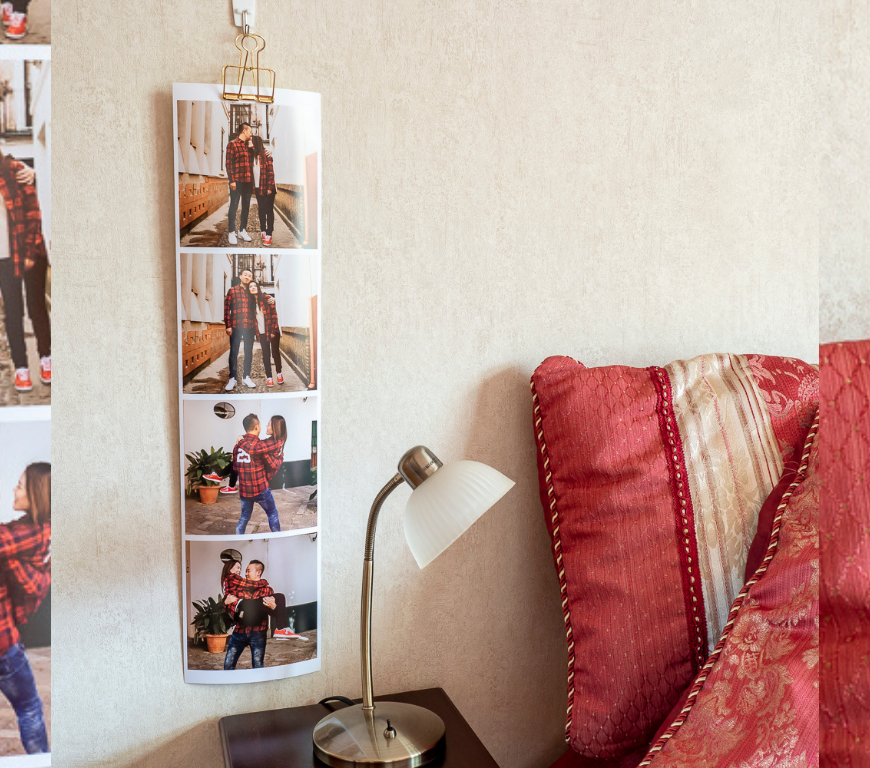
Giant Photostrips – set of 3

A question we quite often get is: I really love the large giant photostrips with the four 20cm photos, but I only want one strip. Is it possible to just order one please instead of 3? We would do this for you, as we love to make our customers happy, but you would actually end up paying the same price as for 3 strips. So … Continue reading Giant Photostrips – set of 3


Unknown's avatarHappyMooseJuly 19, 2021
How To

Get creative with your Everyday photo book

Our Everyday photo book has been designed as a simpler and quicker way to create a photo book. All you need to do is upload your 41 photos and they will be automatically cropped and laid out in your new book. If you want to get creative and make your book look a little different, then head over to Canva and get designing! A few … Continue reading Get creative with your Everyday photo book

Unknown's avatarHappyMooseJuly 15, 2021July 19, 2021
Product Features

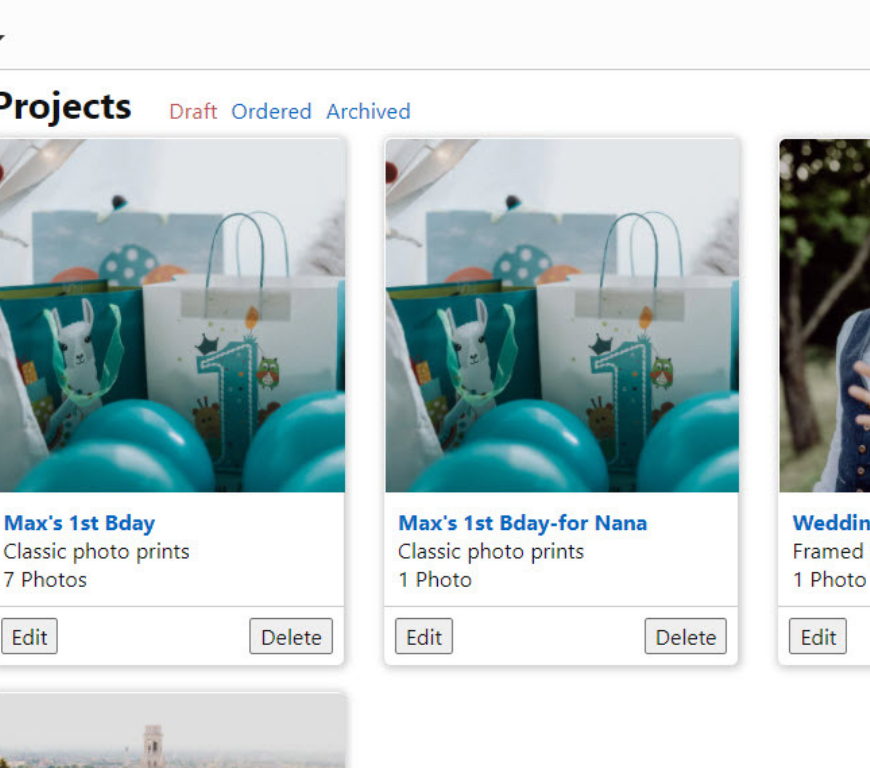
Name your projects

One popular feature request we have received is for the ability to name projects to help keep track of them. Well ask no more! Named projects are now here! When you create a new project, in the editor you will now see a line with the Project Name. You can change the default name of My Project to anything you like (within the 20 character … Continue reading Name your projects

Unknown's avatarHappyMooseJuly 15, 2021
How To

Create a custom collage in Canva

Who doesn’t love a good collage?! They are the perfect way to display a bunch of special photos and tell the story of a special moment or period of life. Our Collage posters are always popular and can come framed or unframed. We also have the smaller Collage framed prints which, as the name suggests, come framed and ready for hanging on your wall. Sometimes … Continue reading Create a custom collage in Canva

Unknown's avatarHappyMooseJuly 13, 2021July 13, 2021
How To

Create a Photo Card in Canva

We get a lot of requests for more customisable Occasion cards. We would love to offer this, and it’s on our list of product developments 😊, but while we get that sorted there is another great way to make your own custom cards using Canva. With our Photo card product you can upload your own image for the front of the card. Generally this would … Continue reading Create a Photo Card in Canva

Unknown's avatarHappyMooseJuly 13, 2021September 4, 2023

Posts navigation

Older posts
Newer posts

Shop Now

Visit the HappyMoose website.

Our Stories

Meet the team behind HappyMoose

Recent Posts

  • HappyMoose certified as Hahnemühle Gold Print Studio 
  • What Christmas gift to give the Grandparents who have everything?
  • Spook-tacular Snaps: Tips for improving your Halloween Photos
  • Dunedin Schools’ Holiday Photo Comp
  • A Mum’s Guide to Father’s Day Gifts

Tags

art behind the scenes christmas collaborate collage-poster creative editor family family-photos Father fathers-day for-pros get-crafty giant-photostrips gift-giving gift-ideas gifting hahnemuhle halloween hiring home how-to How To image enhancement journalling kids ordering Paper Parenting personalise pet-photography photo-book photo-gifts photo-tips photography photo management print prints psychology resolution shopping shopping-cart soft-proofing Sustainability Team wall-decals
Follow HappyMoose Blog on WordPress.com
  • HappyMoose
  • HappyMoose
  • Facebook
  • Facebook
  • Instagram
  • Instagram
  • Pinterest
  • Pinterest
Website Powered by WordPress.com.
HappyMoose Blog
Website Powered by WordPress.com.
  • Subscribe Subscribed
    • HappyMoose Blog
    • Already have a WordPress.com account? Log in now.
    • HappyMoose Blog
    • Subscribe Subscribed
    • Sign up
    • Log in
    • Report this content
    • View site in Reader
    • Manage subscriptions
    • Collapse this bar
 

Loading Comments...